See your whole AI coding crew at work.
Every agent and subagent becomes a little robot at a desk in a tiny office on your screen — thinking, editing, running, waiting on you. Bullpen Crew makes invisible AI work visible, at a glance.
Free · macOS 15 Sequoia+ · Apple silicon · Notarized by Apple
The live bar
A slim office that lives at the edge of your screen
No dashboards to open, no tabs to check. Bullpen Crew docks as a thin bar along the bottom of your display and updates the moment your agents do.
- One desk per agent
- Status bulbs overhead
- Session sign · MyApp ×5
- Shared office floor
Features
Everything your agents do, turned into something you can see
One desk per agent
Every active session and subagent gets its own robot and its own desk. Spin up more work and watch the crew clock in.
Status at a glance
Antenna bulbs and screen-faces show each agent's state — thinking, working, waiting, done. Read the whole room in a second.
Subagent roles
Spawned a reviewer, an explorer, a planner? Each subagent wears a hat for its role, so you always know who's doing what.
“Boss, I need permission!”
When an agent hits a permission prompt, its robot throws up a banner and waves you over. Never miss a blocked run again.
Multi-session rooms
Running several projects at once? Each session becomes its own labeled room, divided and lined up side by side.
Magnifier loupe
Hover to zoom into any corner of the bullpen and watch the little screens and faces render in crisp detail.
The signal
Four states. One look.
Each robot tells you exactly where its agent stands through colour, face, and a glowing antenna bulb — no log-reading required.
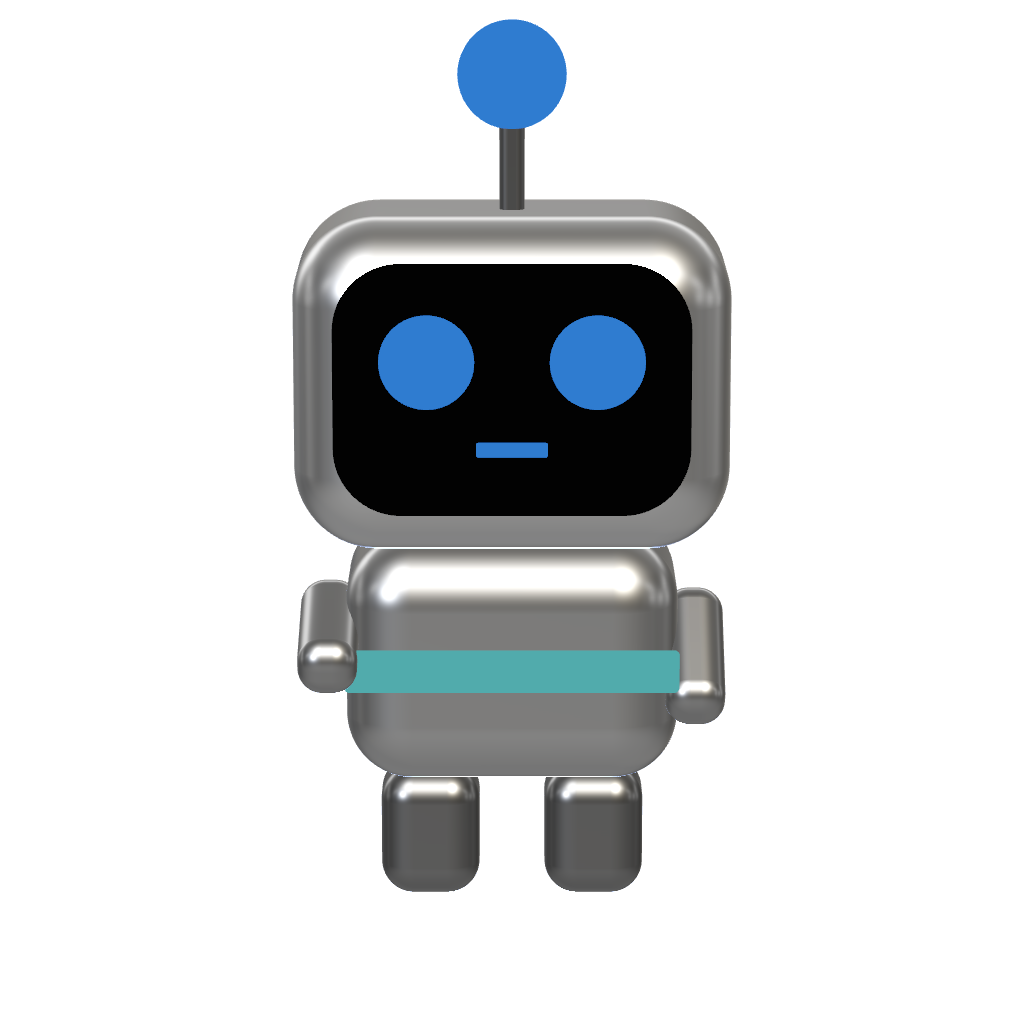
Thinking
Reasoning through the task. Bulb idles amber while the agent plans its next move.
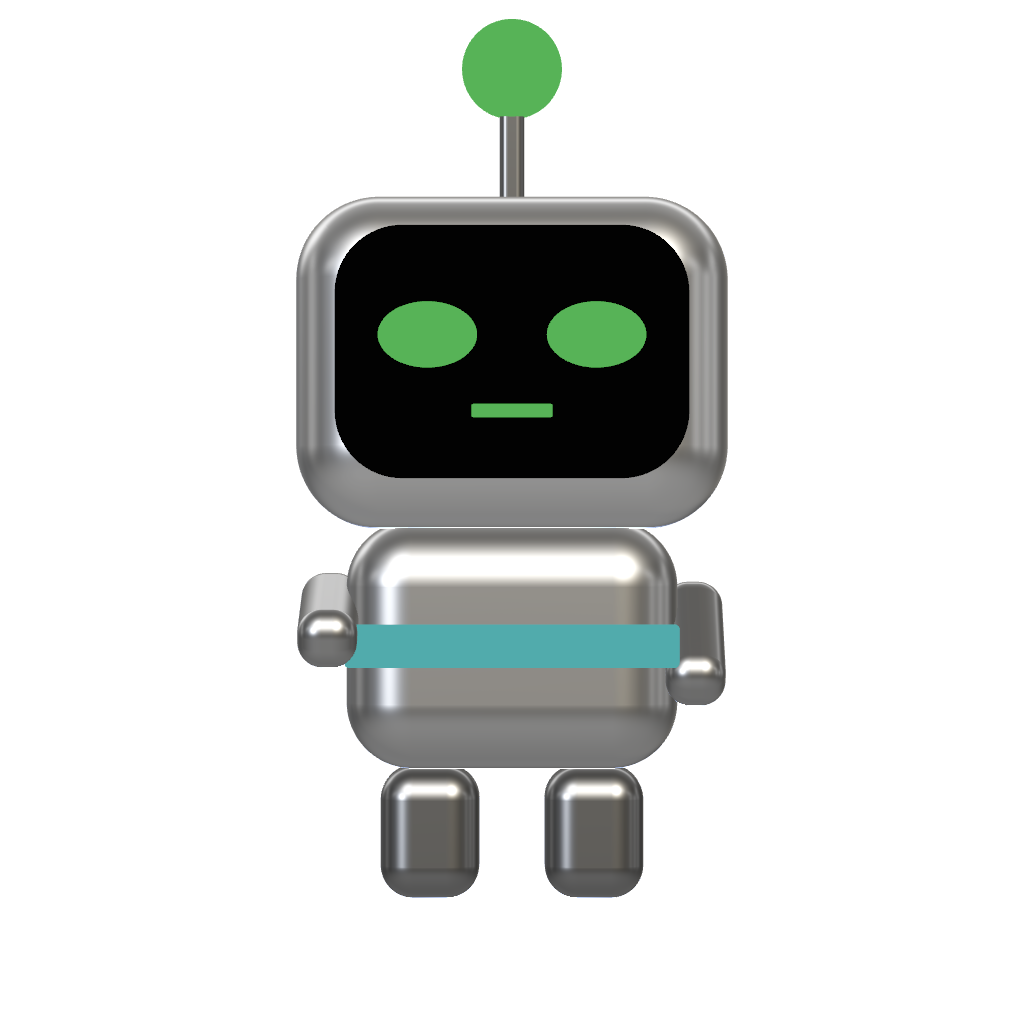
Working
Editing files and running commands. The screen-face locks in and the bulb glows teal.
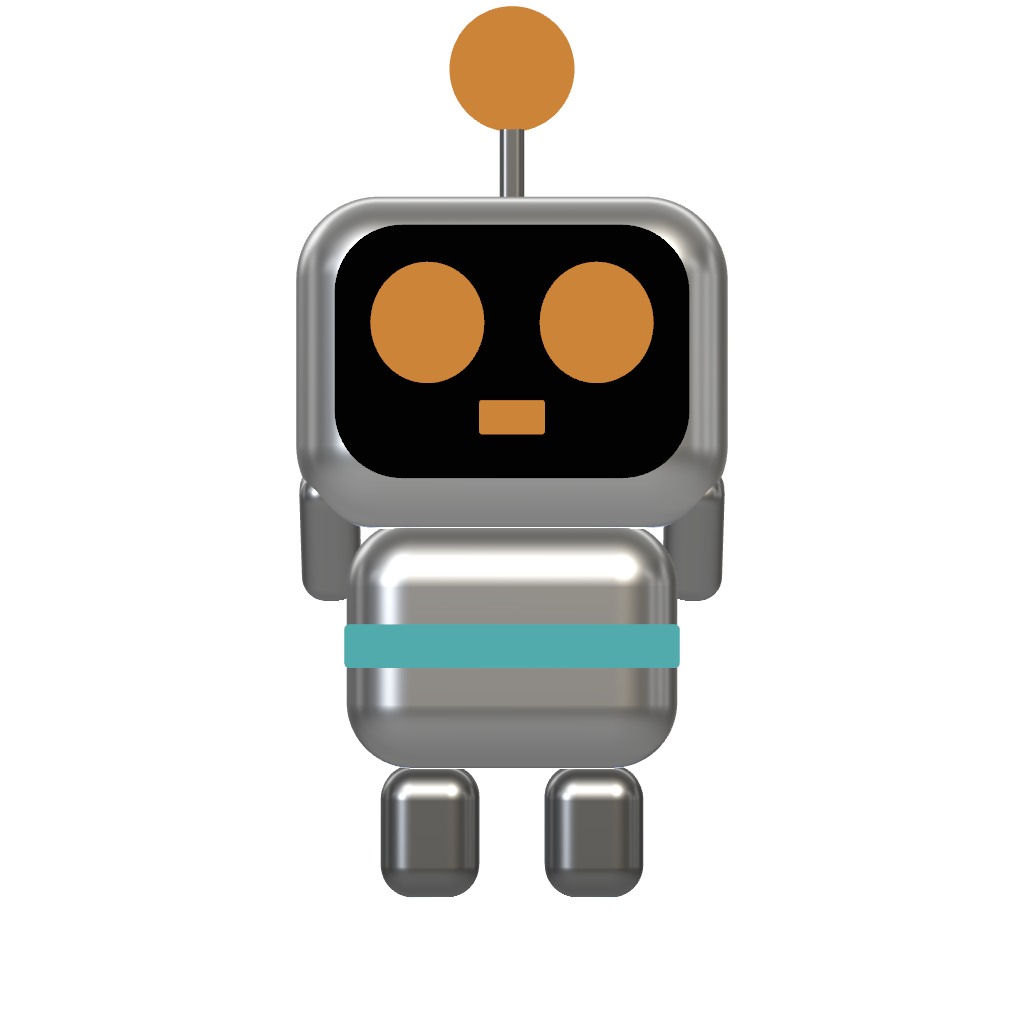
Needs you
Hit a permission prompt or a question. The robot waves a banner — “Boss, I need you!”
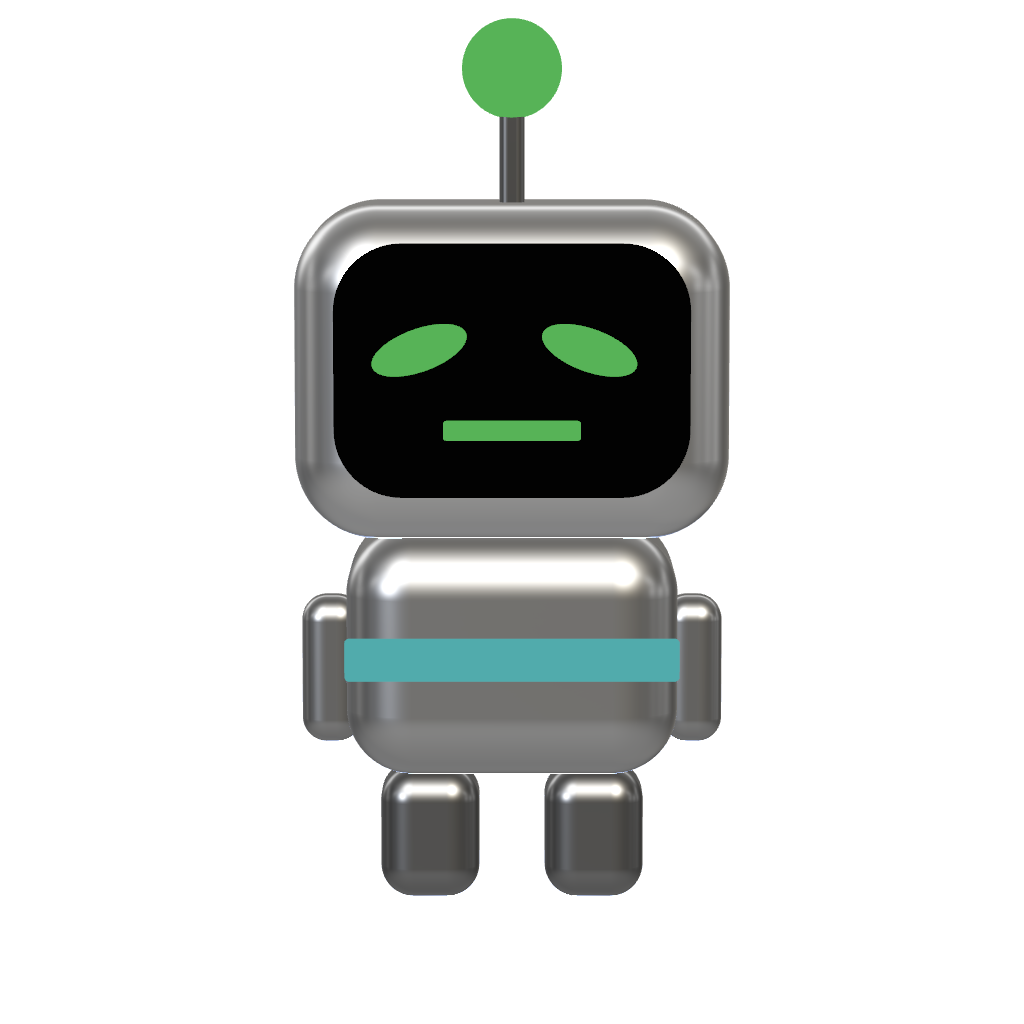
Done
Task finished. A happy green face and a steady bulb mean the agent is ready for more.
How it works
Running in under a minute
- 01
Download & open
Grab Bullpen Crew, drag it to Applications, and launch. It tucks into a slim bar along the bottom of your screen.
- 02
Install the hooks
Click Install hooks once. Bullpen Crew wires a few Claude Code, Codex, or Gemini hooks that report what your agents are doing — no config files to touch.
- 03
Start a session
Open Claude Code, Codex, or Gemini and start working. Your first robot clocks in, takes a desk, and gets to work. Spin up more and the office fills.
Everything stays on your Mac. Agents report over a local loopback connection (127.0.0.1) — events never touch the network, and nothing is sent to us, Anthropic, OpenAI, or Google.
Put your crew to work.
Download Bullpen Crew and give your Claude Code, Codex & Gemini agents a place to show up for work.
Version 1.0 · 5.9 MB · Free · macOS 15 Sequoia or later · Apple silicon
Notarized by Apple · Updates itself · Requires Claude Code, Codex, or Gemini
SHA-256 0cb89734bcd80c77782990ffc08a73dff8a3dfcea5cba6bf1a70bdae2545a684